Stripe Portal Login
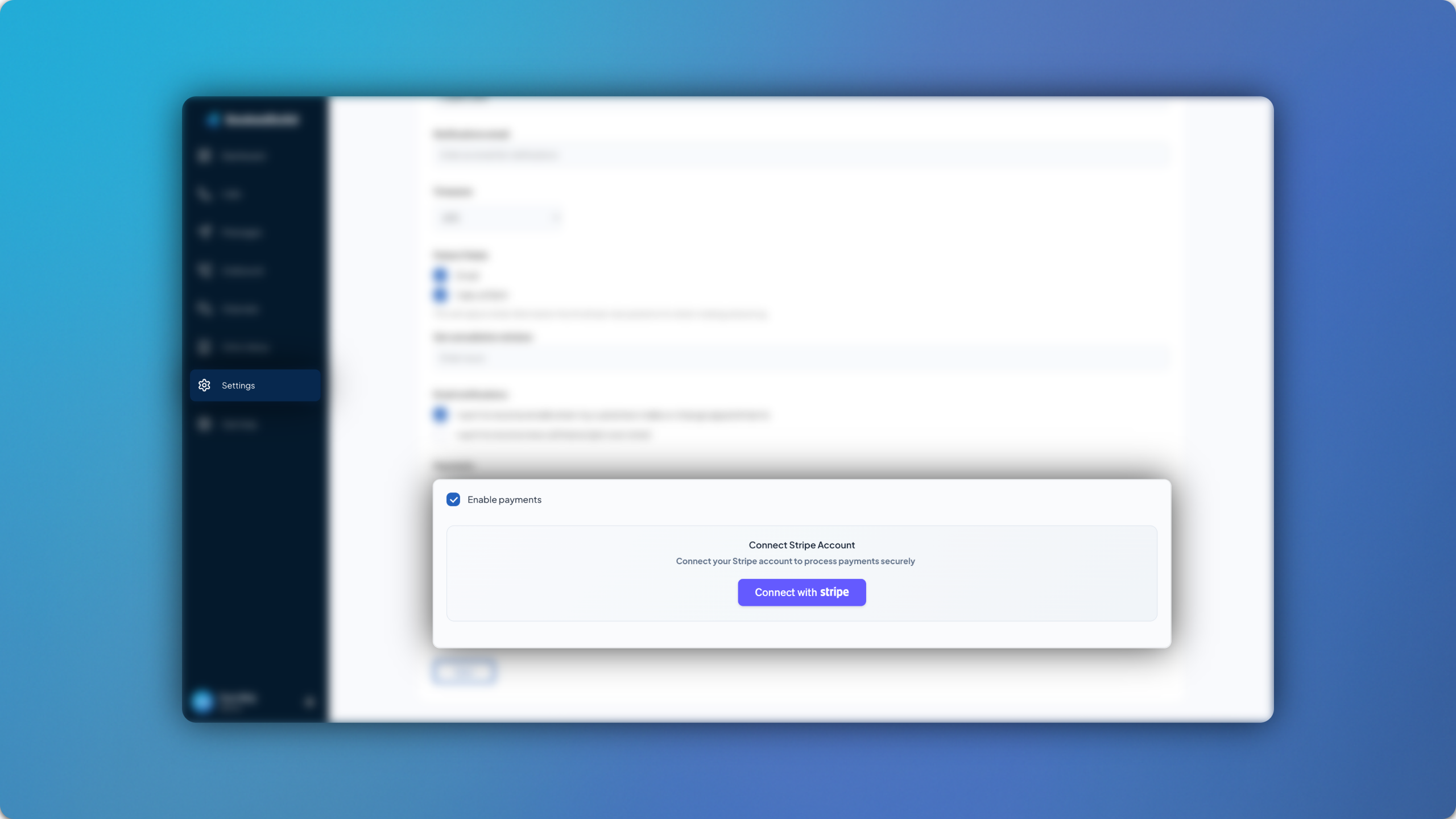
After releasing Stripe payment links in March, we took this a step further in April with a direct Stripe portal login.
Simply head to the Settings > Account Setup and you’ll see it right away. Once logged in with the Enable Payments box checked, individual prices in your currency can be added for each appointment type by heading to Clinic Setup > Appointment Types > Take Payment Online.
For more information and guidance on setting Stripe payments links up, you can follow our in-depth guide.