Manual Outbound: Upload Contacts
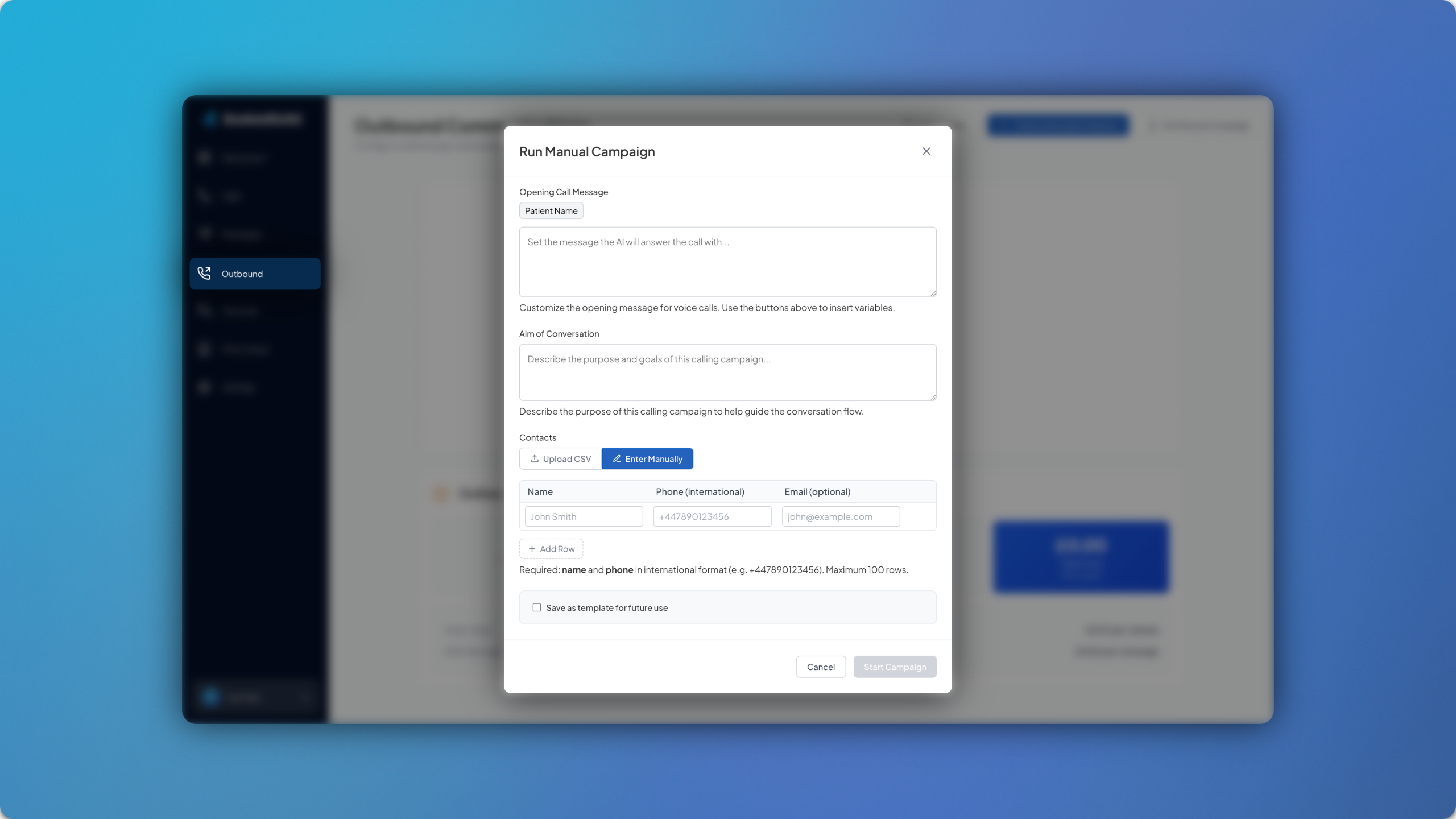
The manual outbound feature has been upgraded to support contacts directly in the dashboard. 👤
When creating a manual outbound communication, at the bottom you will see the tab titled Enter Manually. Here you will be able to enter the name of the patient(s) as well as the contact details. You can then configure the message to include the patient name by using the {{PatientName}} parameter.
You can save each template for future use at the bottom.