Call Transcript Upgrades
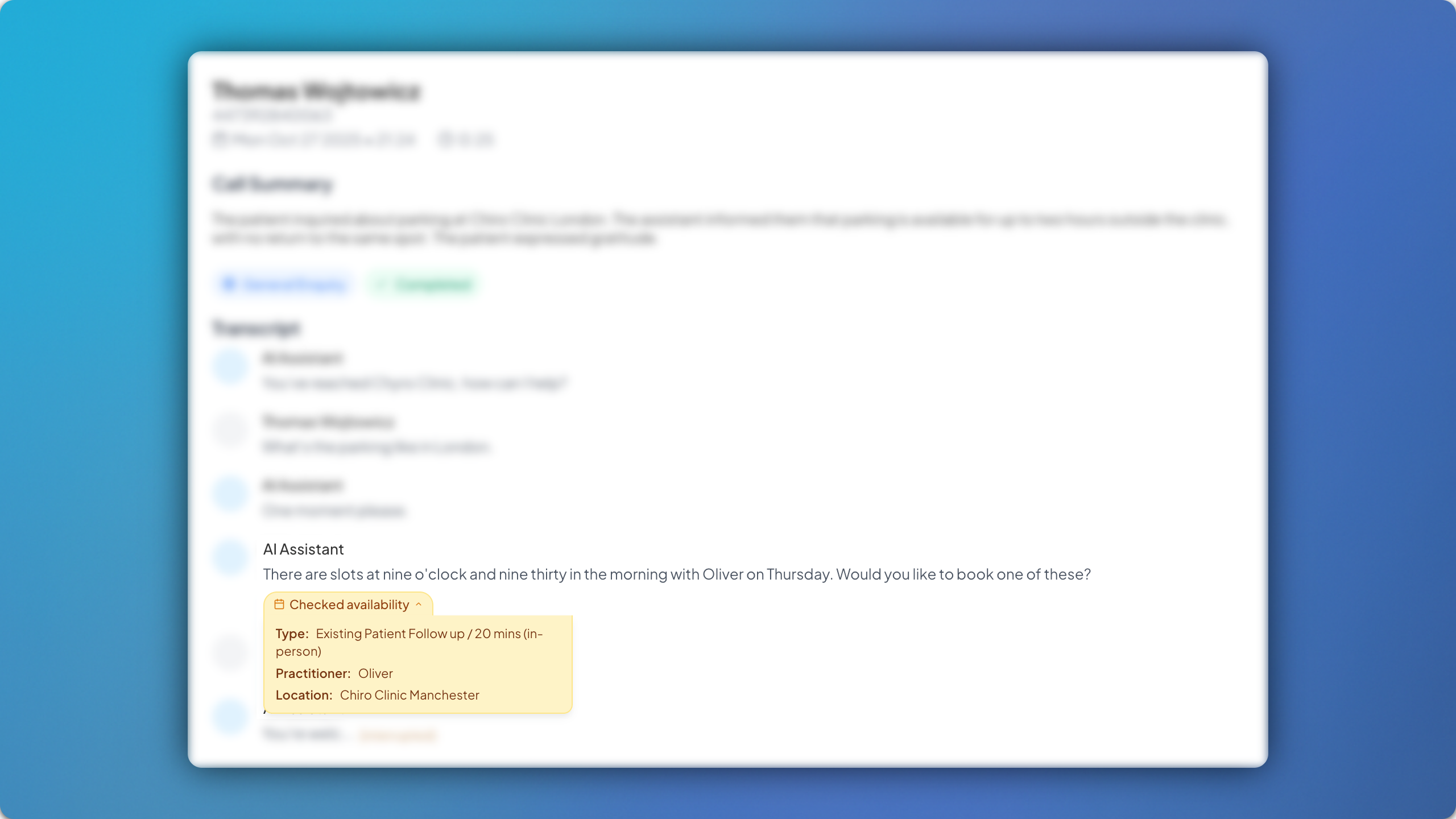
We’ve made various UI/UX updates to the call transcripts within the dashboard, with the aim of increasing overall user friendliness as well as clarity.
Availability Insights
Availability Insights allow you to view the appointment type, practitioner and location under which the availability is being checked by the AI when offering options to a patient. Simply click the yellow ‘Checked availabilities’ drop down for the full text display.
Knowledge Base Insights
Similarly, Knowledge Base Insights allow you to view the specific information that was pulled directly from the Knowledge Base during an AI response to a patient question. Simply click the blue ‘Knowledge Base’ drop down for the full text display.
Interruption Insights
Interruption Insights show you where the AI was interrupted by a patient during a conversation, via a simple [interupted] note in the transcript, allowing you to obtain a better understanding of the conversation flow.