Name Your AI
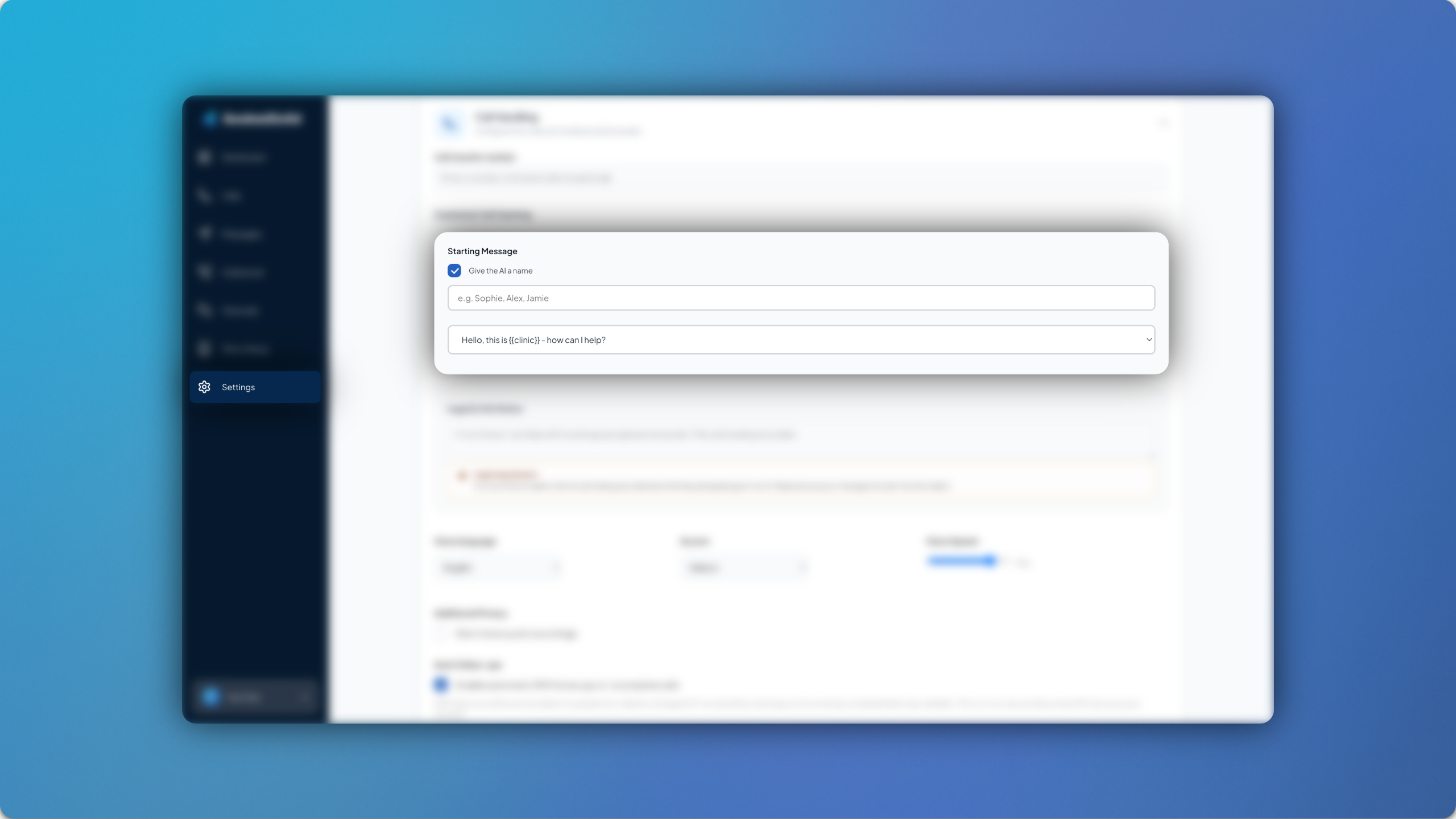
By popular demand, you can now name your AI in settings.
Simply head to Settings > Call Handling > Customise Call Opening > Starting Message and then check the box titled Give the AI a name. You can then enter a name for your AI, which will be updated in the starting message.